Running a busy clinic means balancing patient care, staff efficiency, and maintaining trust. When a complaint arises about staff behavior, video footage from CCTV can be a valuable tool. But it comes with serious responsibilities around privacy, data minimization, and proper access controls. This post walks through best practices for managing CCTV footage in such situations — emphasizing how to limit the review strictly to the complaint, ensure access is tightly controlled, and retain footage only as long as needed.
The Incident We’re Trying to Solve
Before we dive into camera settings, software tools, or policies, let’s start with the first and most important question: What incident are we trying to solve?
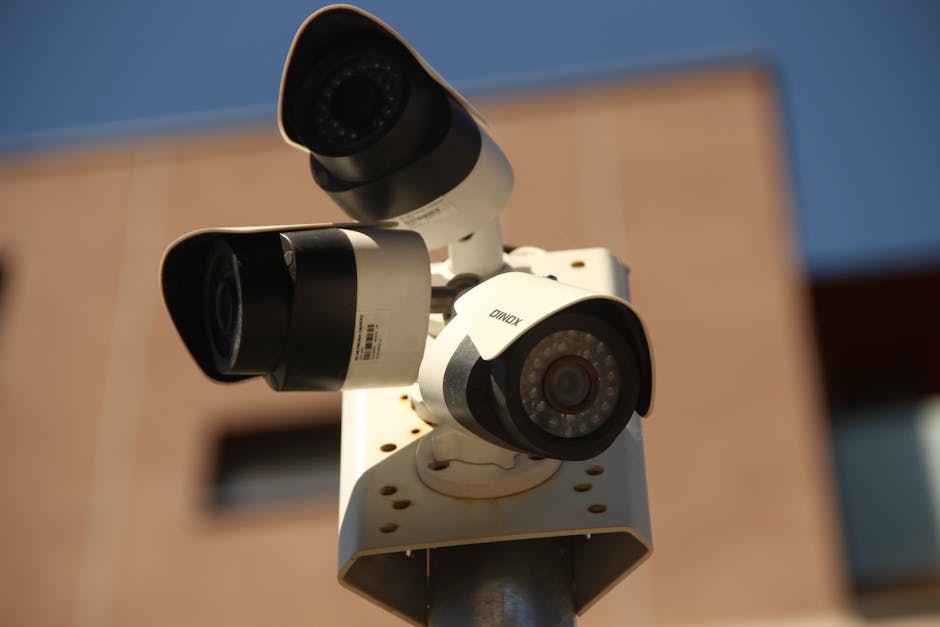
A complaint about staff behavior can range from alleged rudeness at the front desk to something more serious. Defining the scope clearly helps ensure the CCTV footage you review is:

- Focused on the time and place relevant to the complaint. Only viewed by authorized personnel directly involved in the investigation. Handled in a way that respects everyone’s privacy, including patients and other staff who appear on camera but aren’t related to the incident.
Data Minimization for Clinic CCTV
One of the biggest privacy missteps is collecting or storing video “just in case.” To align with data protection principles, we apply data minimization — only collecting and retaining footage necessary for a defined purpose.
Purpose-First Camera Justification
Here's what kills me: every cctv camera should have a clear documented purpose that ties back to clinic operations, such as:
- Security of medication storage rooms Monitoring front desk operations Ensuring patient waiting area safety
Before adding or maintaining a camera, ask:
What problem is this camera solving? Is there a less intrusive way to get this information? Does it capture more footage than needed? If so, how can we adjust placement or angle?Camera Placement to Avoid Over-Collection
Reception cameras should never be aimed at monitors or paperwork with patient information. This reminds me of something that happened learned this lesson the hard way.. For example, “Camera 2” looking at the front desk shouldn’t include snapshots of staff accessing the pharmacy inventory screen.
Regular field-of-view reviews should be part of standard operating procedures. This means:
- Documenting exactly what each camera covers and why Adjusting angles or fields of view to avoid unnecessary private information exposure Engaging staff to identify blind spots or over-collection areas
Role-Based CCTV User Accounts: Named Users, Not Shared Passwords
One of my pet peeves: shared logins for CCTV systems. Using generic credentials makes it impossible Go to the website to track who viewed footage. Instead, implement:
- Named user accounts with strict role-based permissions Access limited only to those who need it — e.g., clinic managers or compliance officers Audit logs showing who accessed footage, when, and what was reviewed
Role-based accounts add accountability and help prevent unauthorized footage access or viewing beyond the incident’s scope.
Access-Restricted, Purpose-Limited Review Workflow
When a complaint comes in, here’s a step-by-step workflow to review and manage footage properly:
Identify the time, date, and location related to the complaint. Notify the designated CCTV custodian — a named user with access. Review footage strictly limited to the incident scope. Avoid “just browsing” or unrelated footage. Document every review: who reviewed, why, what was found, and any follow-up steps.This keeps everything transparent and justifiable in case of future audits or legal demands.
Anonymizing Footage Using Gallio PRO
Sometimes footage captures patients or staff not involved in the complaint. This raises privacy concerns. Using Gallio PRO, an on-premises visual redaction and anonymization tool, can help by:
- Blurring faces and badges of unrelated people Masking paperwork or sensitive screens visible in the background Ensuring exported clips shared outside the clinic are fully anonymized
Gallio PRO runs locally, which means sensitive footage isn’t uploaded to cloud services — a significant plus for health data privacy.
Retaining Footage Only as Long as Needed
Another common mistake: saving footage indefinitely “just in case.” This is neither practical nor compliant with data protection best practices.
Develop a clear retention policy based on incident resolution timelines, for example:
Type of Footage Retention Period Retention Justification Standard Clinic CCTV (no complaint) 14 days Routine security monitoring Incident-Related Footage Until complaint resolution + 30 days Support complaint investigation and possible appeal Footage shared for training (anonymized) Indefinite with anonymization Staff training, privacy preservedAfter retention expires, footage should be securely deleted. Avoid manual “drive clutter” by automating retention where possible.
Summary Checklist for Handling CCTV Footage on Staff Complaints
- Define the incident scope: time, location, event Review footage purposefully: only what relates to the complaint Use role-based named accounts: no shared passwords Document every access and review event Apply visual anonymization: use Gallio PRO to blur unrelated individuals or info Limit retention periods: store only as long as investigative purposes require Regularly review fields of view: adjust camera placement to minimize data collection
Final Thoughts
Properly handling CCTV footage during staff behavior complaints protects everyone — the clinic’s reputation, the complainant, the staff member, and the patients’ privacy. By focusing on purpose-first camera use, limiting access, applying smart redaction, and retaining footage only as long as needed, clinics can confidently use CCTV as a helpful tool reception desk camera angle without inviting unnecessary privacy risks.
Remember, CCTV footage isn’t a catch-all solution — clear policies, staff training, and respectful communication remain the foundation for positive workplace culture and complaint resolution.